Chatbot Builder
Build Smarter Chats With
an AI Chatbot Builder
Build clear conversation paths to guide user interactions through your advanced no-code chatbot builder. With our AI Chatbot Builder, you can select from predefined dialogues or create custom ones from scratch, allowing you to optimize conversations that meet your business objectives and resonate with your customers' needs.
Enjoy your 14-day free trial - no credit card required!
Build an AI Chatbot in 4 Simple Steps
Create a Chatbot
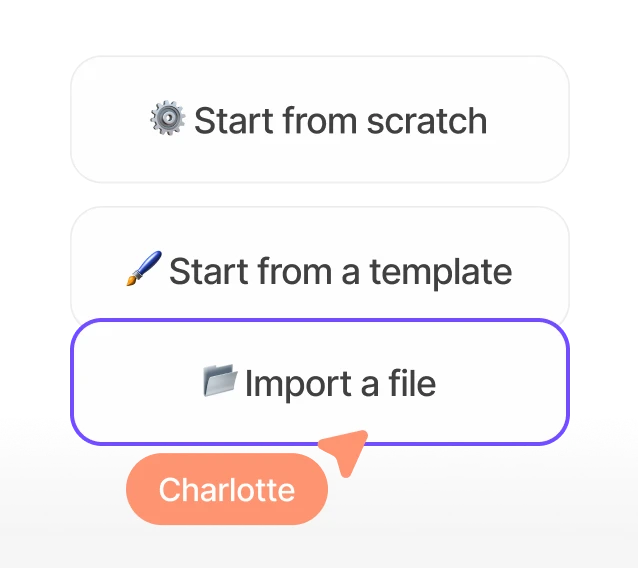
Use our easy chatbot builder to build an AI chatbot from scratch, or choose from a library of ready-made templates.
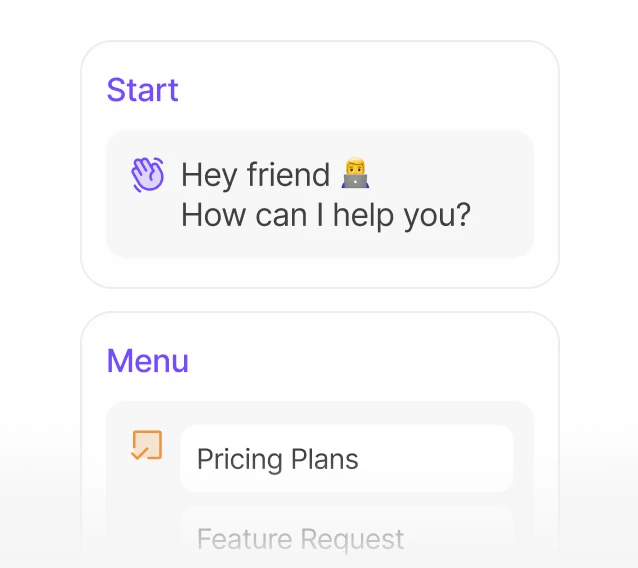
Map Out Conversation Flows
Customize your customer support chatbot with bubbles, input fields, logical action sequences, and integrations.
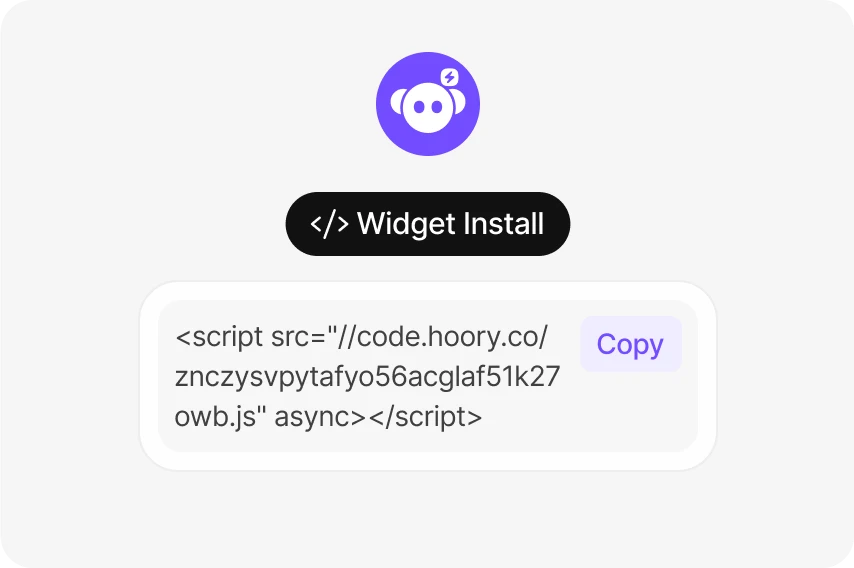
Launch on Any Channel
Easily deploy your customer support chatbot on your website or other preferred channels.
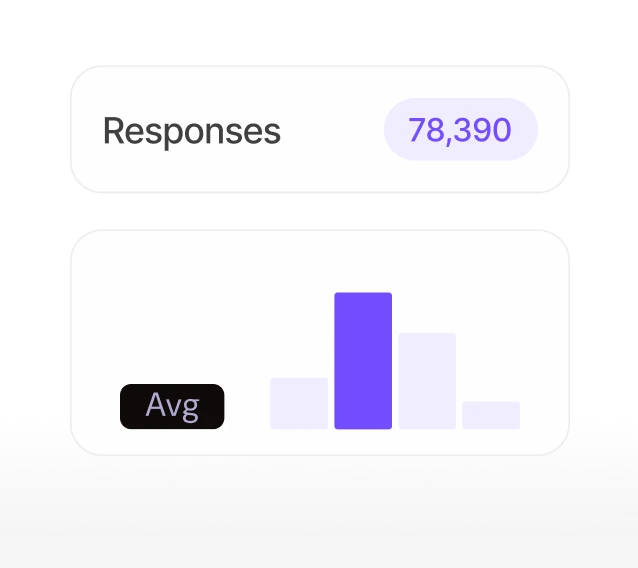
Monitor and Improve
Collect user data, monitor performance, and refine the efficiency of your AI chatbot builder.
Explore the Toolset of Our Chatbot Builder Platform
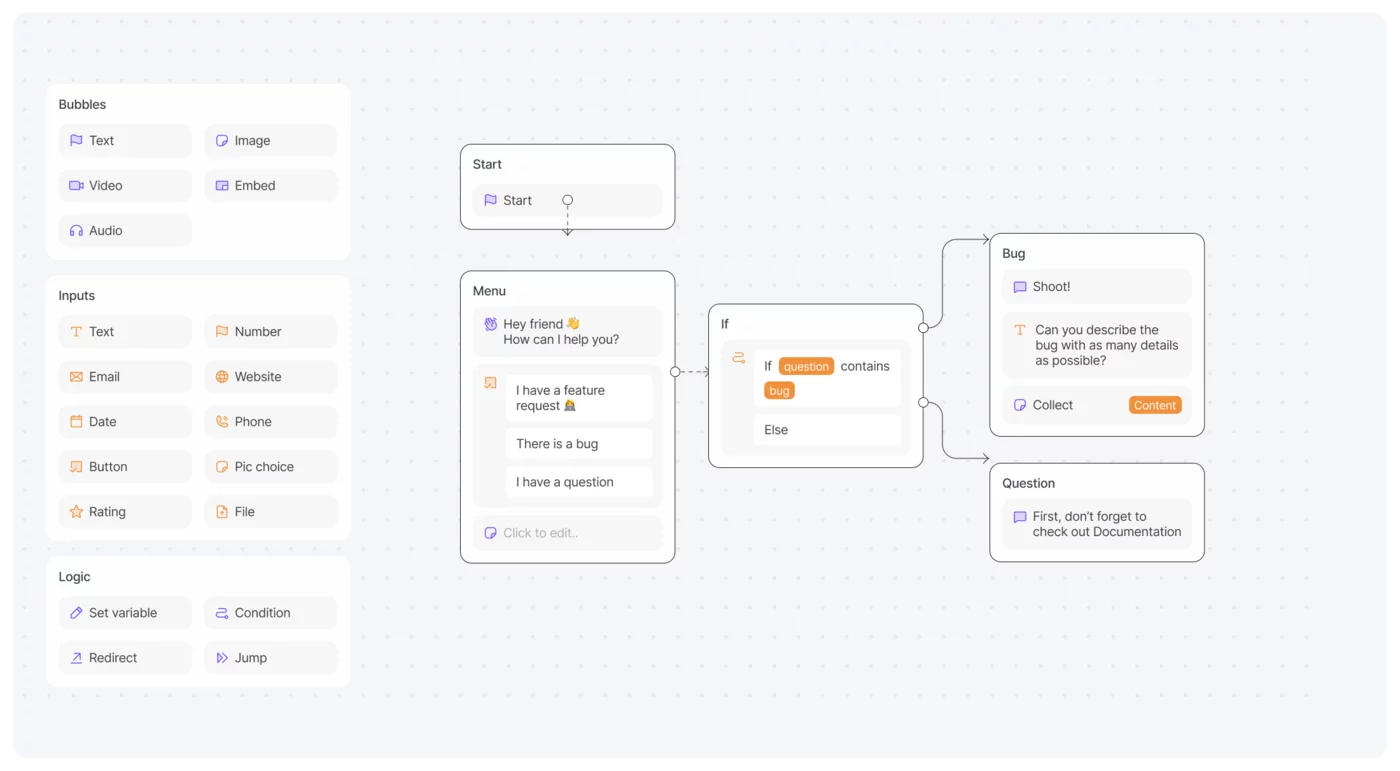
Discover a range of powerful tools that elevate your chatbot-building experience. Our visual chatbot builder provides various options for textual and visual bubbles, interactive input fields, and logical action sequences so you can create engaging conversations that captivate your users. Plus, enjoy seamless integrations with your favorite platforms to optimize performance and simplify data management. Start crafting the perfect chatbot today!
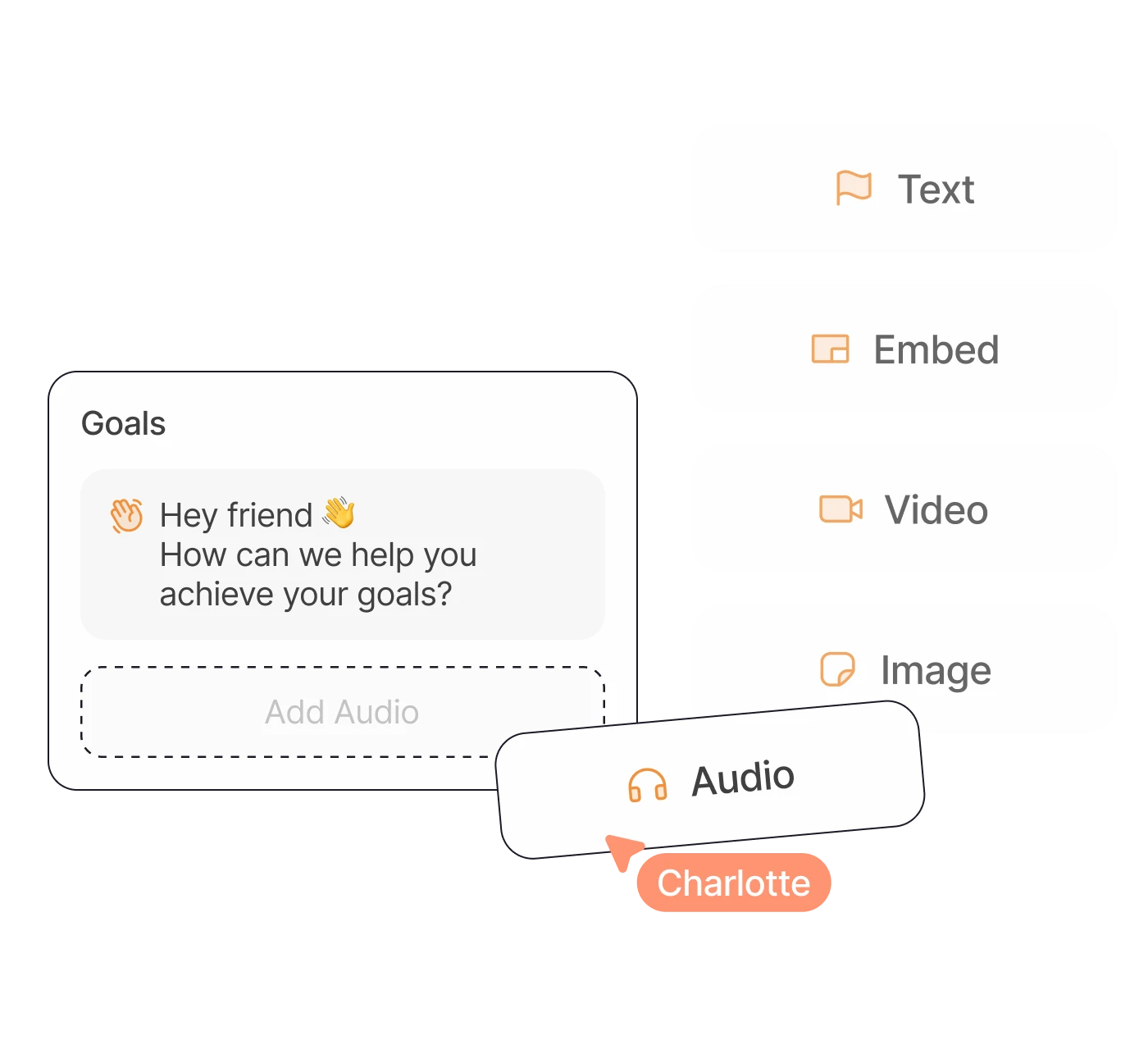
Bubbles
Capture user attention with diverse content formats, including text, video, audio, images, and file sharing.
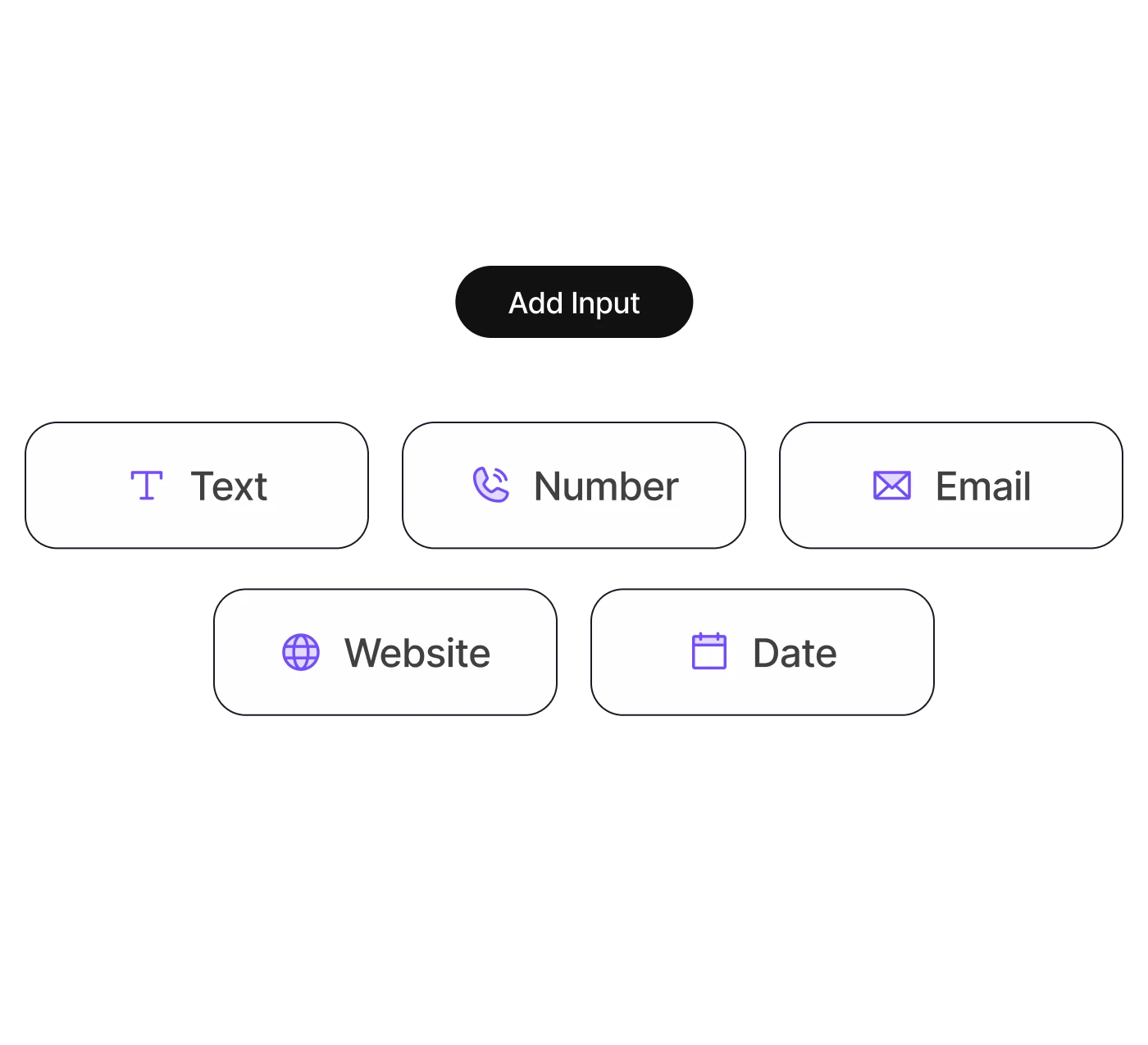
Inputs
Use a variety of input fields, including text, email, and buttons, to create engaging conversation paths that encourage quick and effortless user responses.
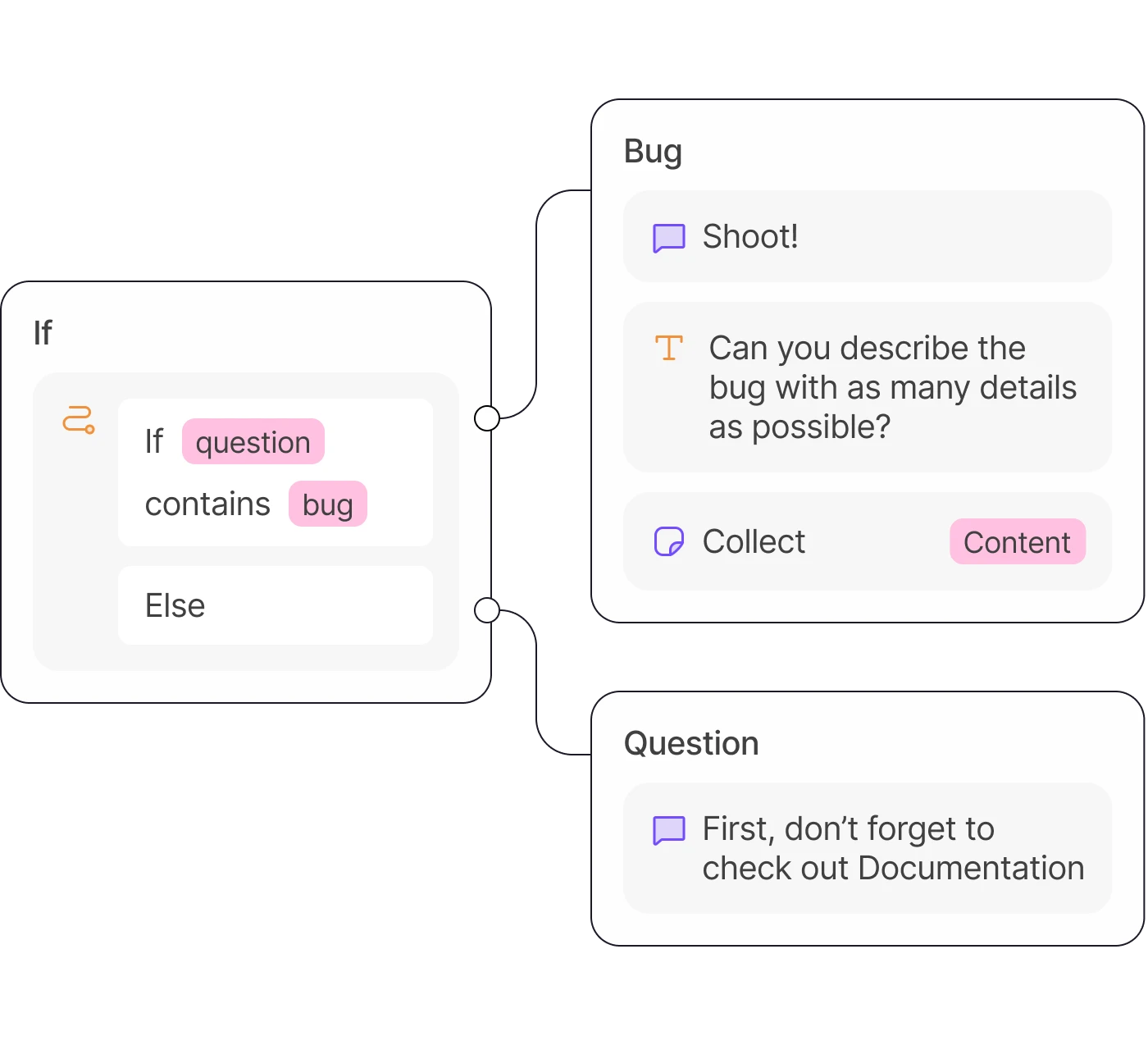
Logic
Implement options to set variables, establish conditions, or redirect users, enabling dynamic conversation flows that respond to user interactions.
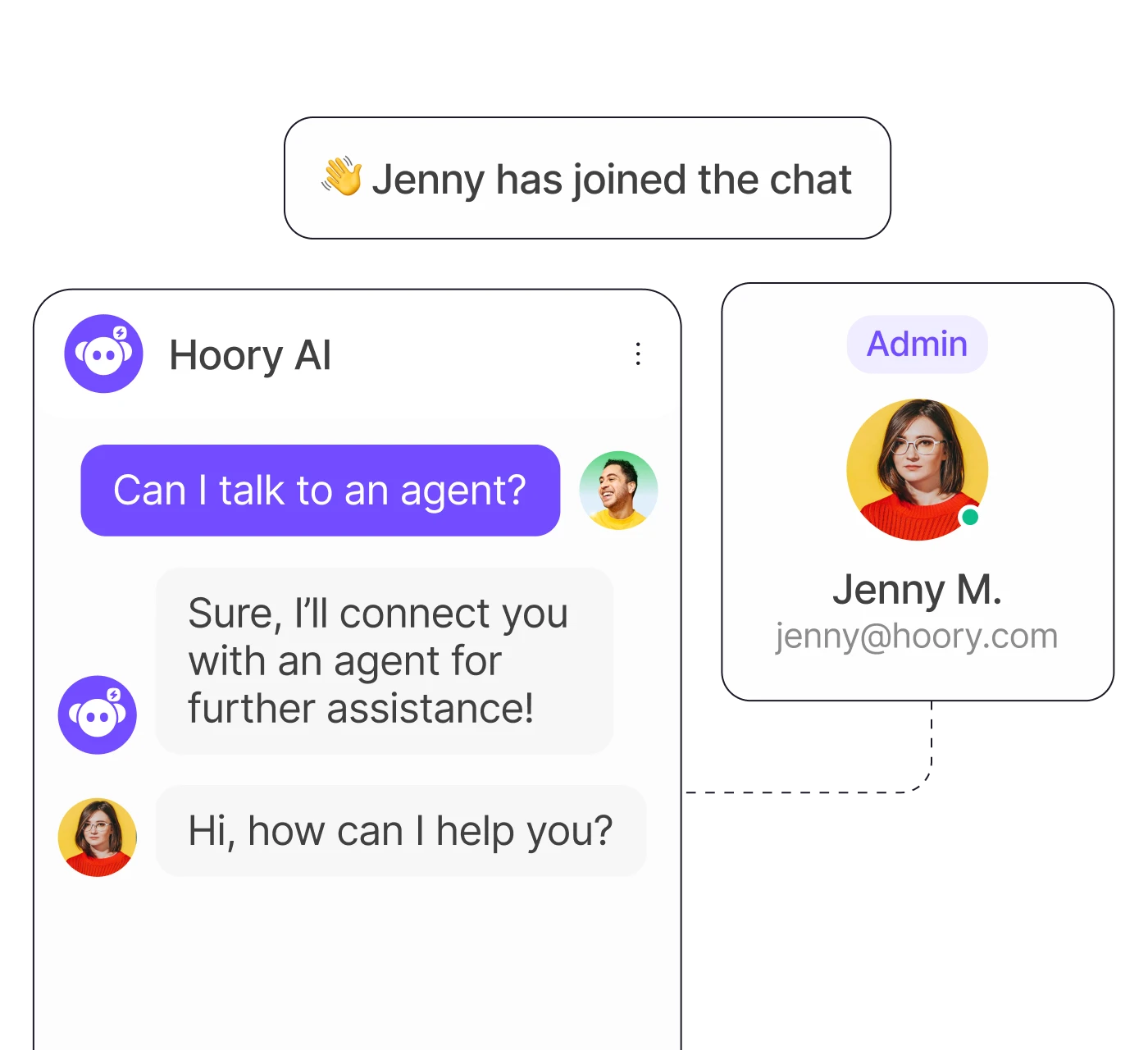
Hoory AI
Instruct your AI Assistant to take specific actions during the conversation, like connecting to support, updating chat status, assigning agents, and more!
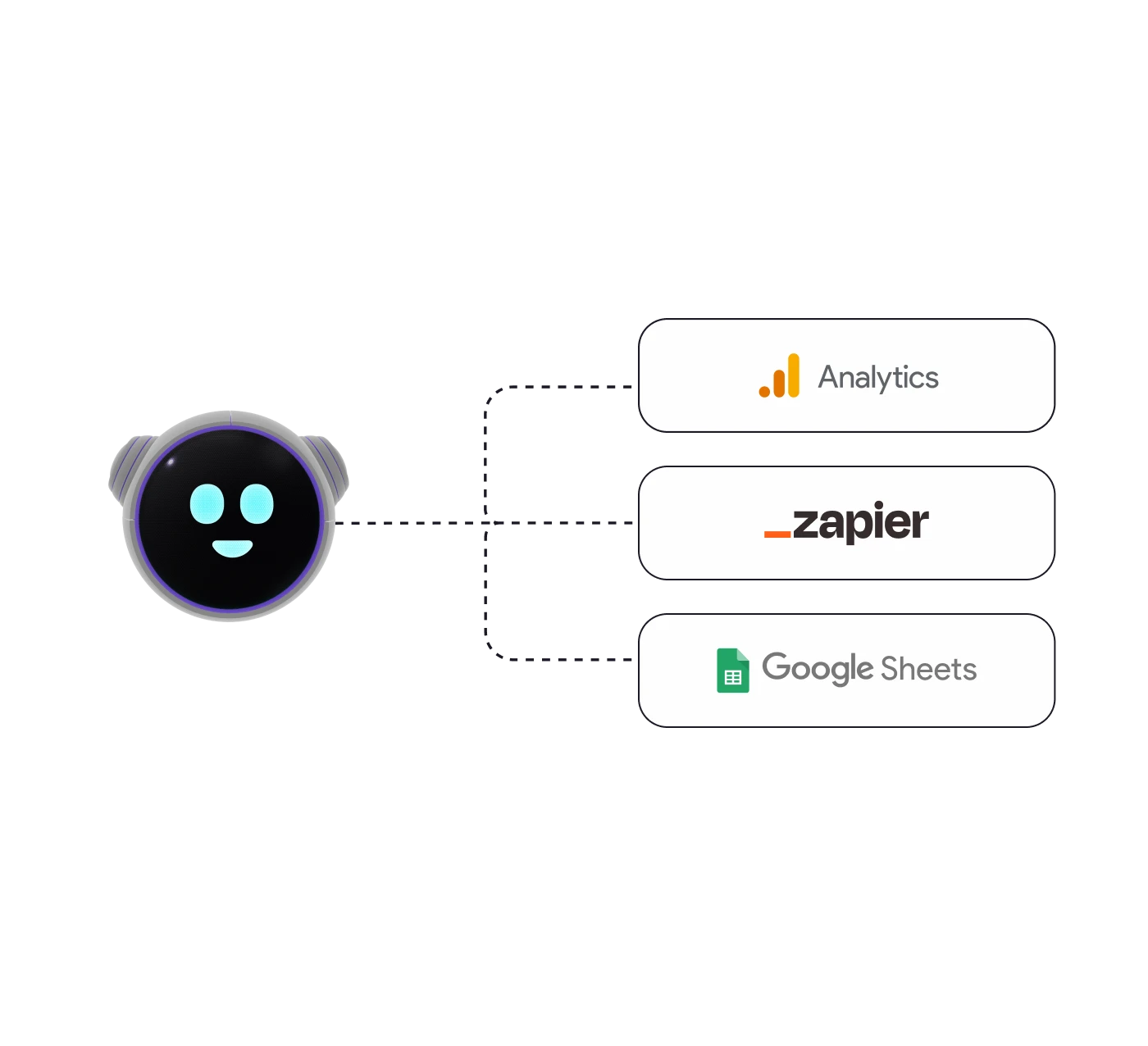
Integrations
Seamlessly connect with a variety of platforms, including Google Sheets, Google Analytics, Pixel, and more to boost your chatbot's capabilities.
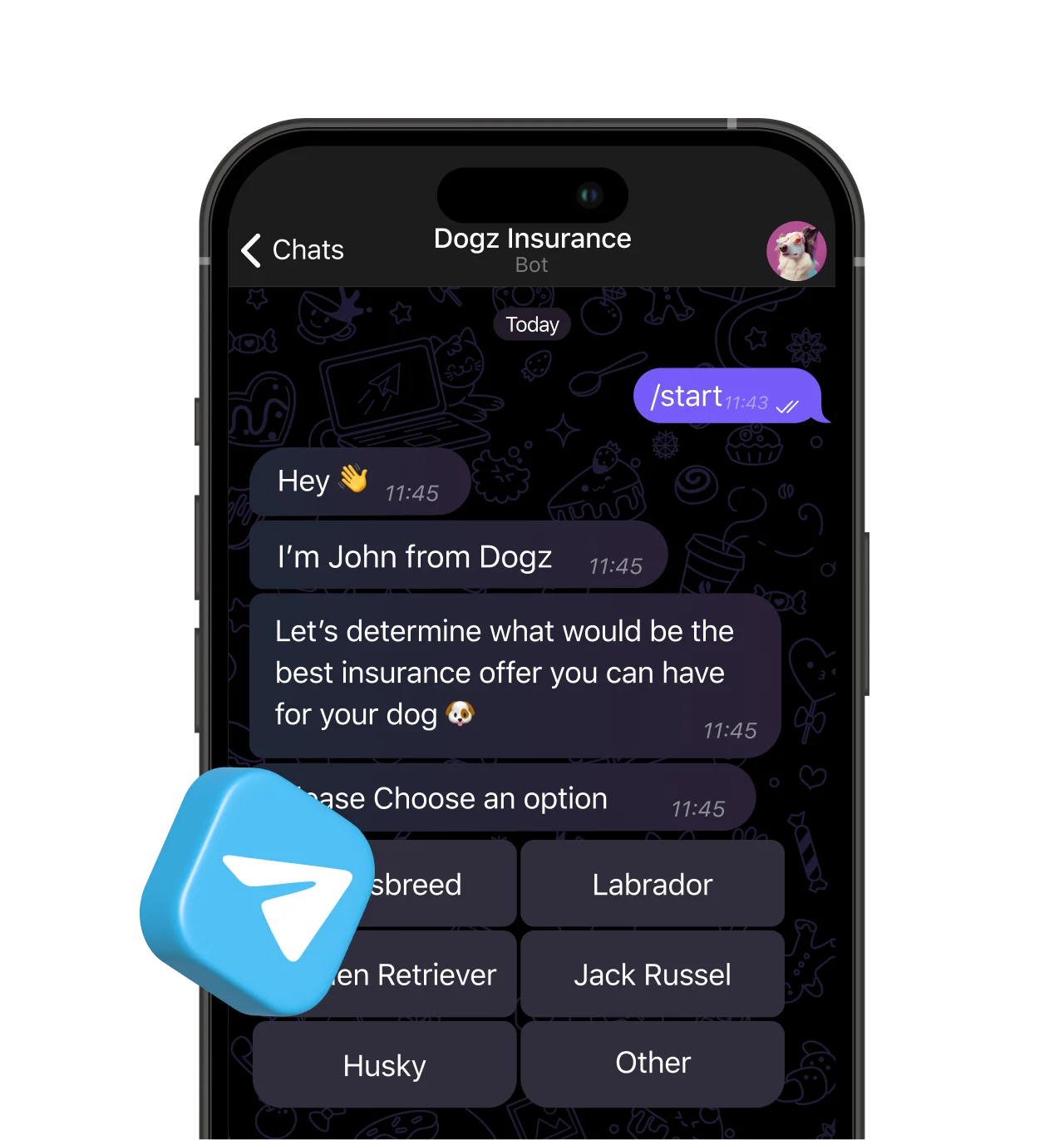
How to Create a Chatbot for Telegram With No Coding?
Creating a Telegram bot has never been easier! With Hoory AI, you can set up and deploy your bot in just a few simple steps.
Log into your Telegram account and ask the Telegram BotFather to generate a new bot token for you. The instructions will be given by default.
Log into your Hoory AI account and create a new Telegram channel, using the bot token you obtained from BotFather.
Create a rule-based chatbot with Hoory AI's chatbot builder and define the conversation flow to activate when a new conversation is initiated with a customer.
To deploy the chatbot, connect it to your Telegram channel by navigating to the AI assistant configuration tab of channel settings.
 />
/> Chatbot Templates
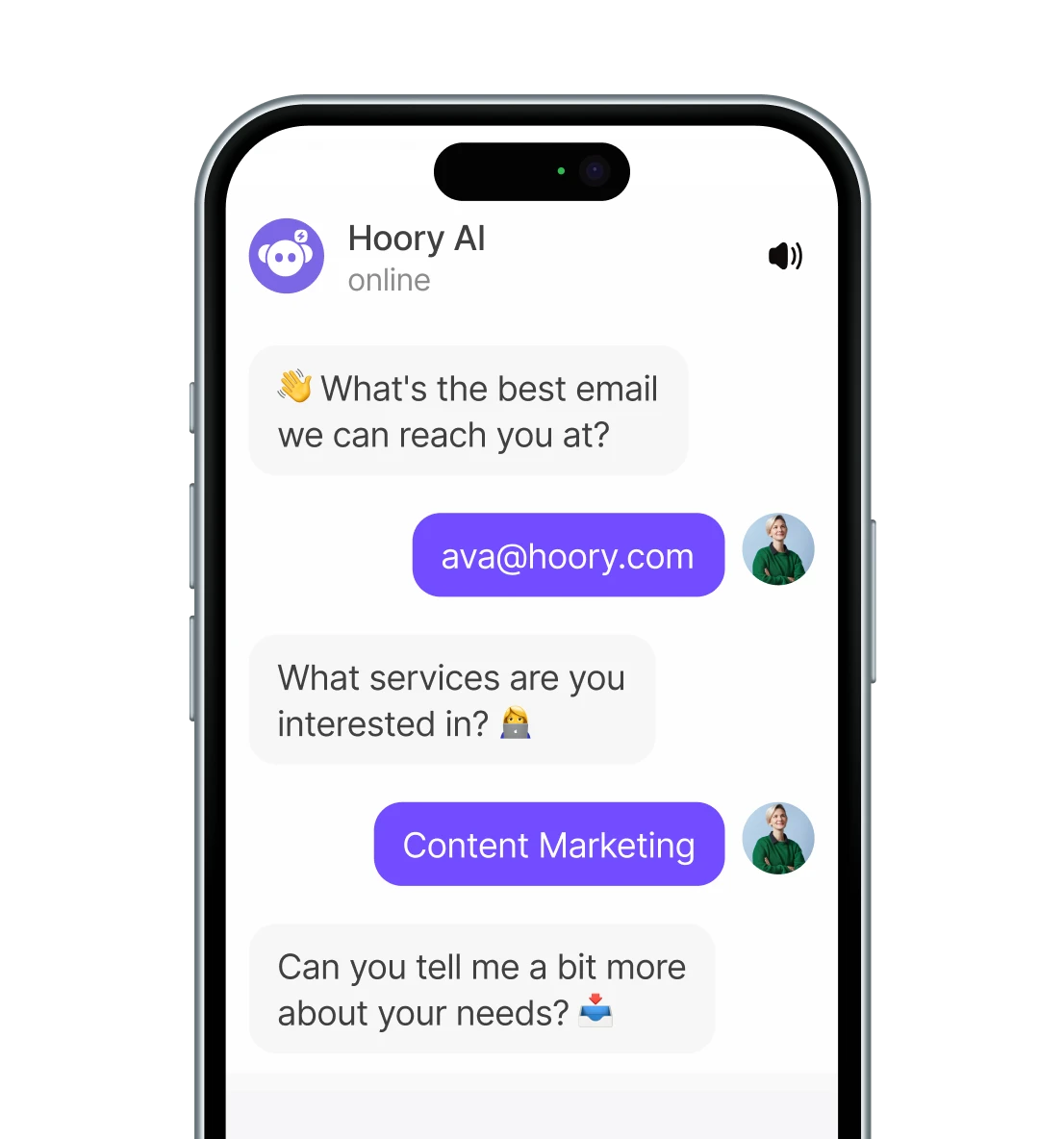
Jumpstart your chatbot creation with ready-made conversation templates designed for various use cases, including lead generation, quizzes, lead scoring, product recommendations, NPS surveys, user onboarding, FAQs, and more. Each template is fully customizable, allowing you to tailor it to your unique needs and launch your chatbot in no time.
Get Started NowMost Used Templates
Product Related Resources
Frequently Asked Questions
Docs
Visit our help center to find answers to common questions and learn how to use Hoory AI.
Read DocsAsk Hoory AI
Can't find what you're looking for? Ask Hoory AI for instant answers to your questions.
Ask Hoory AIGet Started with Chatbot Builder!
Sign up, use our no-code chatbot builder, and provide intuitive and responsive support that aligns with your business goals.
Enjoy your 14-day free trial - no credit card required!